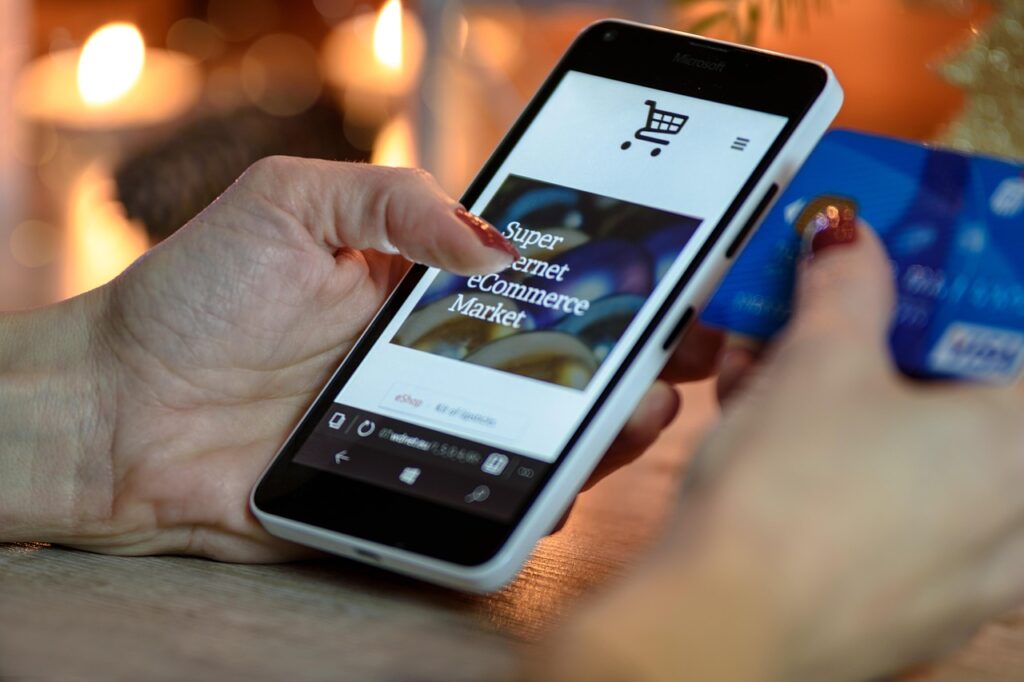

Mobile payments are reshaping how people handle money every day. In a world where cash is fading, choosing the right approach can mean smoother purchases, stronger security, and even savings on fees. For newcomers, the stakes feel high: a missed tap, a forgotten password, or a security slip can turn convenience into frustration. This guide walks through the fundamentals, compares top solutions, and equips anyone with the know‑how to start paying with a phone confidently.
📝 Quick Navigation
Understanding Mobile Payments
Before diving into apps and wallets, it helps to know what mobile payments really are. At its core, a mobile payment is any transaction where a smartphone or wearable device replaces a physical card or cash. The technology can be contactless NFC (Near Field Communication), QR code scanning, or even in‑app purchases that pull from a stored digital balance. In 2023, the global market surpassed $2.2 trillion, with Asia leading the charge thanks to platforms like Alipay and WeChat Pay.
Understanding the underlying mechanics matters because each method carries distinct security models and user experiences. For example, NFC wallets store encrypted card data on a secure element within the phone, while QR‑based solutions often rely on dynamic codes generated by the merchant. Knowing these differences helps beginners pick a method that fits their comfort level and daily routine. underlying mechanics matters
| Metric | Why It Matters |
|---|---|
| Security Protocols | Protects data from theft and fraud. |
| Device Compatibility | Ensures the wallet works on your phone or watch. |
| Transaction Speed | Affects checkout time in stores. |
| Fees & Limits | Impacts cost for both consumer and merchant. |
Mobile Payments Methods Worth Knowing
Apple Pay
Apple Pay lets iPhone, iPad, and Apple Watch users tap to pay using NFC. Launched in 2014, it quickly became the go‑to wallet for iOS fans, supporting over 70 % of U.S. retailers by 2022.
- Why It Works:
- Tokenization replaces actual card numbers with a device‑specific token.
- Biometric authentication (Face ID, Touch ID) adds a layer of protection.
- Integrated with Safari for seamless online purchases.
- Challenges:
- Only available on Apple devices.
- Some banks still require separate enrollment steps.
Best for: iPhone and Apple Watch owners who prioritize seamless integration and strong biometric security.
Google Pay
Google Pay works on Android smartphones and Wear OS watches, offering both NFC tap‑to‑pay and QR code options. By 2023 it supported more than 30 million merchants worldwide.
- Why It Works:
- Unified platform for in‑store, online, and peer‑to‑peer payments.
- Dynamic CVV changes with each transaction, reducing card‑skimming risk.
- Broad device support across many Android manufacturers.
- Challenges:
- Security depends on device lock screen strength.
- Some regions still lack NFC‑enabled terminals.
Best for: Android users looking for a versatile wallet that covers both contactless and QR payments. Android users looking
Samsung Pay
Samsung Pay stands out with its Magnetic Secure Transmission (MST) technology, allowing it to work on older magnetic stripe terminals as well as NFC.
- Why It Works:
- MST emulates a card swipe, expanding merchant compatibility.
- Knox security suite encrypts payment data on the device.
- Supports both Samsung smartphones and Galaxy Watch devices.
- Challenges:
- Limited to Samsung hardware.
- Some users find the setup process more involved.
Best for: Samsung device owners who need the widest merchant coverage, especially in regions with fewer NFC terminals.
PayPal Mobile
PayPal’s mobile app combines a digital wallet with a robust online payment ecosystem. It works on iOS and Android, and many merchants accept PayPal QR codes at checkout.
- Why It Works:
- Strong buyer protection policies for disputed transactions.
- Integrated with PayPal’s extensive merchant network.
- Supports both NFC (via Android) and QR code scanning.
- Challenges:
- Fees can be higher for certain merchant categories.
- Requires a separate PayPal balance or linked bank card.
Best for: Users who already have PayPal accounts and want a single app for online shopping and in‑store QR payments. already have PayPal
Alipay
Alipay dominates the Chinese market, offering QR‑code payments, utility bill settlement, and even city‑wide transit integration. Travelers to China often adopt it to avoid cash.
- Why It Works:
- Extensive QR code ecosystem accepted by millions of merchants.
- Built‑in identity verification and credit‑scoring features.
- Offers mini‑programs for services like ride‑hailing and food delivery.
- Challenges:
- Primarily geared toward Chinese users; language barrier for outsiders.
- Regulatory restrictions limit some international card linking.
Best for: Travelers in China or expatriates needing a local payment method that works everywhere.
Side‑by‑Side Comparison of Top Mobile Payment Options
| Option | Best For | Difficulty | Cost | Speed |
|---|---|---|---|---|
| Apple Pay | iOS users seeking seamless integration | Easy | Free (bank fees apply) | Instant |
| Google Pay | Android users needing versatility | Easy | Free (bank fees apply) | Instant |
| Samsung Pay | Samsung owners wanting widest merchant reach | Moderate | Free (bank fees apply) | Instant |
| PayPal Mobile | Online shoppers valuing buyer protection | Easy | Variable fees for merchants | Fast (QR) / Instant (NFC) |
| Alipay | China travelers & residents | Moderate | Free for users, merchant fees apply | Instant QR |
How to Choose the Right One
Choosing a mobile payment solution begins with device ecosystem. If the phone runs iOS, Apple Pay is the natural default because it is pre‑installed and requires no extra downloads. Android users should first verify whether their handset supports Google Pay’s NFC chip; older or budget models may lack the hardware, steering them toward QR‑based options like PayPal or Alipay.
Next, consider security preferences. Tokenization, biometric locks, and remote wipe capabilities are hallmarks of the most secure wallets. Apple Pay and Google Pay both use tokenization, but Apple adds a hardware‑based Secure Enclave, which some privacy‑focused users prefer. Samsung Pay’s Knox platform offers comparable protection, yet its MST feature can expose a broader attack surface if the device is compromised. Next consider security
Merchant acceptance is another decisive factor. In the United States, NFC terminals dominate, making Apple, Google, and Samsung Pay excellent choices. In many European cities, QR codes are gaining traction, so PayPal’s QR option might be more convenient. For travelers to East Asia, Alipay or WeChat Pay become essential, as many local vendors still rely on QR scanning.
Budget considerations revolve around fees and hidden costs. While the consumer side is typically free, some wallets charge for instant transfers to bank accounts or impose foreign‑exchange fees for cross‑border transactions. PayPal, for instance, adds a 2.9 % + $0.30 fee for instant withdrawals, whereas Apple and Google delegate fees to the issuing bank, which can be lower.
Finally, think about future scalability. If the goal is to expand beyond simple purchases—such as peer‑to‑peer transfers, loyalty program integration, or transit ticketing—pick a platform with an open API or partner ecosystem. Google Pay’s integration with Gmail and Google Maps, for example, enables in‑app payments without leaving the ecosystem, while Alipay’s mini‑programs turn the wallet into a mini‑app store.
Real‑World Benefits
Adopting a well‑chosen mobile payment method cuts checkout time dramatically. A study by Visa in 2022 showed that NFC tap‑to‑pay reduced average transaction time from 12 seconds to under 4 seconds, freeing up queues in busy coffee shops. wellchosen mobile payment
Security improves as well. Tokenization means that even if a merchant’s database is breached, the stolen token cannot be reused elsewhere, dramatically lowering fraud rates compared to traditional card swipes.
Convenience extends beyond retail. Users can pay for rideshares, split bills, and even order groceries directly from the wallet, consolidating multiple financial actions into a single app.
Travelers benefit from reduced reliance on cash. In markets like Japan and China, mobile wallets are accepted at vending machines, taxis, and street stalls, eliminating the need to hunt for foreign currency.
Expense tracking becomes automatic. Many wallets generate digital receipts and categorize spending, feeding directly into budgeting apps without manual entry. Expense tracking becomes
Finally, loyalty programs integrate seamlessly. Some wallets automatically apply store rewards or discount codes at the point of sale, turning everyday purchases into point‑earning opportunities.
The Big Picture
Choosing the right mobile payment solution hinges on device compatibility, security features, merchant acceptance, and cost structure. By weighing these factors, beginners can enjoy fast, secure transactions while unlocking broader financial conveniences.