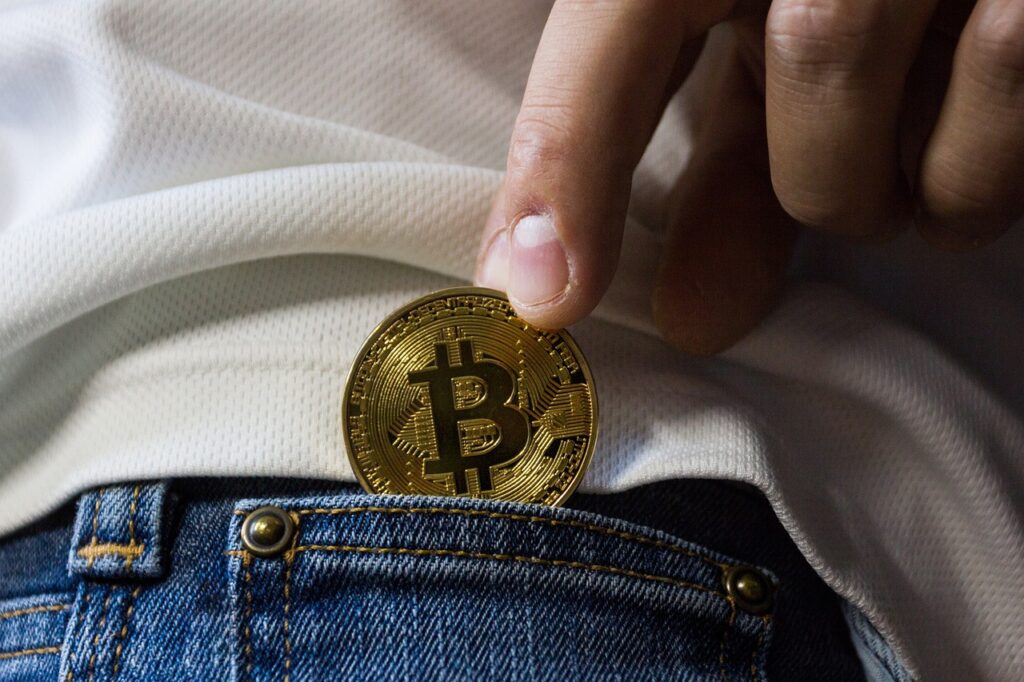

Most people assume a digital wallet is simply a phone app that stores credit‑card numbers, but the reality is far broader and more nuanced. In truth, a digital wallet can hold everything from loyalty points to government‑issued IDs, and it can operate both online and offline. Choosing the right approach matters because the wrong wallet can expose personal data, limit functionality, or drain resources with hidden fees. Understanding the core differences helps avoid costly mistakes and ensures the chosen solution aligns with daily habits, security expectations, and long‑term financial goals. This guide uncovers common misconceptions, breaks down essential concepts, and compares real‑world options so readers can make an informed decision.
📝 In This Post
Breaking Down Digital Wallets
A digital wallet—also known as an e‑wallet—is a software‑based system that securely stores payment credentials, personal identification information, and sometimes even tickets or health records. Think of it as a virtual version of a physical wallet that you keep in your pocket, but instead of cash and cards, it holds encrypted digital equivalents. The first technical term to define is encryption—the process of converting data into a coded format that only authorized parties can decode, protecting it from hackers. Another key term is tokenization (the practice of replacing sensitive data, like a credit‑card number, with a non‑sensitive placeholder called a token), which reduces the risk of data theft during transactions. digital walletalso known
Before diving into specific products, readers should grasp three foundational ideas: security layers, integration capabilities, and user experience design. Security layers involve multiple protective mechanisms such as biometric authentication (fingerprint or facial recognition), two‑factor authentication (a second verification step like a text code), and secure element hardware (a dedicated chip that isolates sensitive data). Integration capabilities refer to how well the wallet connects with merchants, banks, and third‑party services through APIs (Application Programming Interfaces—sets of rules that let software talk to each other). User experience design covers the ease of adding cards, making payments, and accessing non‑payment items like loyalty points, which can dramatically affect adoption rates.
| Metric | Why It Matters |
|---|---|
| Security (encryption, tokenization, biometrics) | Protects personal and financial data from theft. |
| Supported Payment Types (cards, crypto, contactless) | Determines how many transactions can be handled. |
| Integration Ecosystem (APIs, merchant network) | Affects ease of use across stores and online platforms. |
| Cost Structure (fees, subscription, hidden charges) | Impacts overall affordability for users and businesses. |
Major Digital Wallet Developments
Apple Pay
Apple Pay is a mobile payment and digital‑wallet service built into iOS devices, allowing users to store credit, debit, and prepaid cards, as well as loyalty cards and transit passes. The platform uses a combination of tokenization and the Secure Enclave—a dedicated hardware chip that stores cryptographic keys—to keep transaction data safe.
- Advantages:
- Deep integration with iPhone, iPad, Apple Watch, and Mac devices.
- Strong biometric security via Face ID or Touch ID.
- Wide acceptance at millions of retailers worldwide.
- Known Issues:
- Limited to Apple ecosystem; Android users cannot access.
- Some banks still do not support Apple Pay for all card types.
Best for: iPhone and Mac users who prioritize seamless device integration and top‑tier security. prioritize seamless device
Google Pay
Google Pay combines the older Android Pay and Google Wallet into a single service that works across Android smartphones, Wear OS watches, and web browsers. It supports card payments, peer‑to‑peer transfers, and even loyalty programs, using tokenization and a virtual “Google Pay” card number for each transaction.
- Advantages:
- Cross‑platform availability on Android, Chrome, and some iOS browsers.
- Supports both NFC (near‑field communication) tap‑to‑pay and QR‑code payments.
- Integrated loyalty and gift‑card storage.
- Known Issues:
- Security perception varies because Google’s data‑collection practices raise privacy concerns for some users.
- Inconsistent merchant acceptance in certain regions compared to Apple Pay.
Best for: Android users seeking a versatile wallet that works on phones, watches, and the web.
Samsung Pay
Samsung Pay stands out by offering both NFC and Magnetic Secure Transmission (MST) technology, which emulates the magnetic stripe of a traditional card, allowing it to work with older point‑of‑sale terminals that lack NFC. The service stores cards in a secure element and uses tokenization for each transaction. Magnetic Secure Transmission
- Advantages:
- Works with virtually any payment terminal, thanks to MST.
- Strong integration with Samsung Galaxy devices and wearables.
- Supports Samsung Rewards points for additional incentives.
- Known Issues:
- Limited to Samsung devices; no support for non‑Samsung Android phones.
- Battery‑intensive on older devices due to MST activation.
Best for: Samsung smartphone owners who need maximum merchant compatibility.
PayPal (Mobile App)
PayPal’s mobile app functions as a digital wallet by linking bank accounts, credit/debit cards, and PayPal balances, allowing users to pay online, in‑app, or via QR codes. It uses tokenization and proprietary fraud‑detection algorithms to safeguard transactions.
- Advantages:
- Broad acceptance on e‑commerce sites and many brick‑and‑mortar stores.
- Ability to hold a balance and send money peer‑to‑peer without sharing bank details.
- Robust buyer protection policies.
- Known Issues:
- Higher fees for merchants can translate to higher costs for users in some cases.
- Account freezes can occur if suspicious activity is detected, causing temporary access loss.
Best for: Users who want a universal online payment method with strong buyer protections. universal online payment
Crypto‑Focused Wallets (e.g., Coinbase Wallet)
Crypto‑focused wallets such as Coinbase Wallet store digital assets like Bitcoin, Ethereum, and NFTs (non‑fungible tokens—unique digital items stored on a blockchain). They use private keys (secret codes that prove ownership of crypto assets) stored either locally on the device or in a secure cloud vault.
- Advantages:
- Supports a wide range of cryptocurrencies and decentralized applications (dApps).
- Direct control over private keys, enhancing financial sovereignty.
- Integrated with decentralized finance (DeFi) services for earning interest.
- Known Issues:
- Steeper learning curve for users unfamiliar with blockchain concepts.
- Regulatory uncertainty can affect asset stability and accessibility.
Best for: Tech‑savvy individuals interested in managing cryptocurrencies and interacting with decentralized services.
Master Comparison Table
| Option | Best For | Difficulty | Cost | Speed |
|---|---|---|---|---|
| Apple Pay | iOS users seeking seamless integration | Low (intuitive setup) | Free for consumers; merchant fees standard | Instant |
| Google Pay | Android users needing cross‑device flexibility | Low to medium (depends on device) | Free for consumers; variable merchant fees | Instant |
| Samsung Pay | Samsung owners who want universal terminal compatibility | Low (setup similar to other Android wallets) | Free for consumers; standard merchant fees | Instant |
| PayPal Mobile | Online shoppers and peer‑to‑peer senders | Low (account creation required) | Free for personal use; transaction fees for certain services | Near‑instant |
| Coinbase Wallet | Crypto enthusiasts needing self‑custody | Medium to high (key management) | Free app; network fees for transactions | Fast on blockchain, but network dependent |
How to Choose the Right One
First, evaluate device compatibility. If the primary smartphone runs iOS, Apple Pay will likely provide the smoothest experience because it is built into the operating system and works without additional downloads. Conversely, Android users should look at Google Pay or Samsung Pay, depending on the manufacturer. Checking the operating system eliminates wasted time trying to install an unsupported app. First evaluate device
Second, consider security preferences. Users who demand biometric authentication and hardware‑based key storage may favor Apple Pay’s Secure Enclave or Samsung Pay’s Knox platform. Those comfortable with managing private keys might opt for a crypto‑focused wallet, but they must also accept the responsibility of backing up recovery phrases (a series of words used to restore a wallet if the device is lost).
Third, analyze payment ecosystem needs. If most purchases are online or at large retailers, PayPal offers broad acceptance and buyer protection. For everyday tap‑to‑pay at physical stores, NFC‑only solutions (Apple Pay, Google Pay) work well, but Samsung Pay adds MST for older terminals, making it the most universally compatible for in‑store use.
Fourth, review cost considerations. While most consumer wallets are free to download, hidden fees can appear as merchant surcharge fees, foreign‑exchange conversion fees, or subscription costs for premium features. Crypto wallets often incur network transaction fees, which fluctuate with blockchain demand. Users should calculate typical monthly usage to estimate total cost of ownership. Fourth review cost
Finally, think about additional features such as loyalty‑card storage, transit passes, or integration with budgeting apps. Apple Pay and Google Pay allow adding loyalty cards directly, reducing the need for separate physical cards. PayPal’s balance feature can serve as a mini‑digital cash account, while crypto wallets enable staking (earning interest on digital assets). Matching these extras with personal habits ensures the wallet adds genuine value beyond basic payments.
What This Means in Practice
Choosing the right digital wallet can streamline daily transactions, allowing users to leave their physical cards at home and still pay quickly at any checkout. It also consolidates loyalty programs, so points accumulate automatically without the hassle of clipping paper coupons. A well‑selected wallet enhances security by limiting exposure of raw card numbers, reducing the risk of data breaches. Users gain faster checkout times, often completing a payment with a single tap or glance, which improves overall shopping efficiency. For frequent travelers, a wallet that supports multiple currencies or integrates with transit systems eliminates the need for separate tickets. Finally, the right wallet can provide financial insights—many apps generate spending reports that help users budget more effectively.
The Bottom Line
The optimal digital wallet aligns with device ecosystem, security comfort level, payment habits, and cost tolerance. By comparing key metrics—security, supported payment types, integration reach, and fees—readers can pinpoint the solution that fits their lifestyle. With the right choice, everyday transactions become faster, safer, and more convenient.