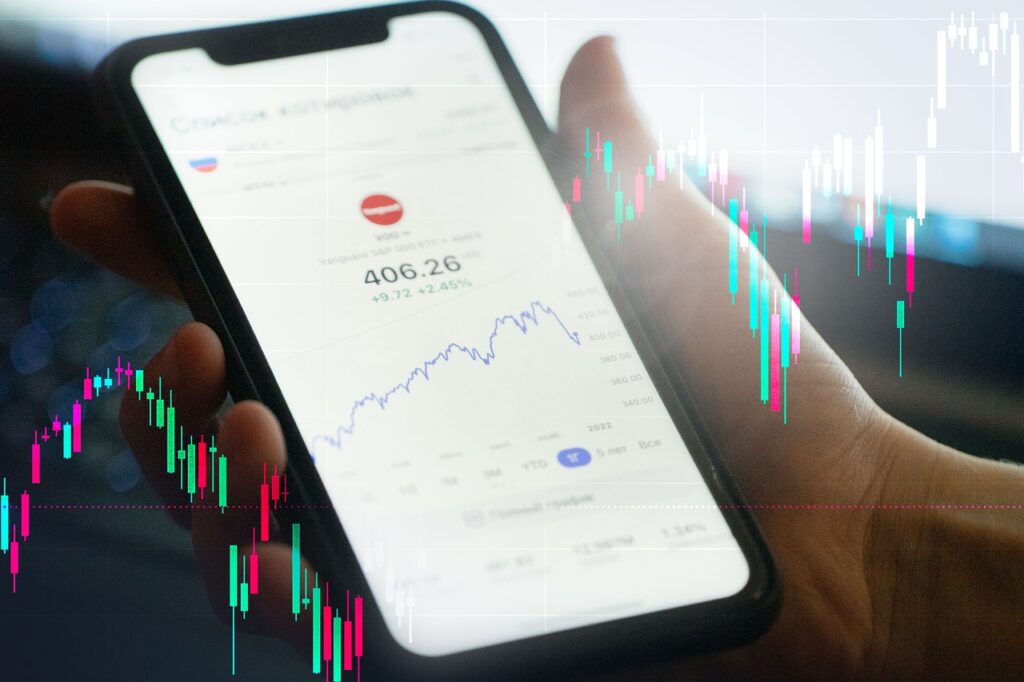

Everyone assumes that simply downloading a popular budgeting app will magically fix their finances. The reality is far more complex: most newcomers install an app, input a few transactions, and then abandon it because the tool doesn’t align with their true financial behavior. The problem isn't the app itself; it's the shallow advice that treats every app as a one‑size‑fits‑all solution. New users need a framework that reveals why most recommendations fall short and how to choose an app that actually drives measurable change.
📝 Quick Navigation
Understanding Best Financial Apps
Best financial apps are digital platforms that help users track spending, automate savings, invest, and optimize debt repayment—all from a smartphone or web interface. They combine data aggregation, analytics, and actionable insights to turn raw financial information into decisions that improve net worth.
| Term | Plain-English Meaning |
|---|---|
| Aggregation | Pulling together bank, credit‑card, and investment data into one view. |
| Automation | Rules that move money without manual input, e.g., round‑up savings. |
| Categorization | Assigning each transaction to a spending bucket like “groceries” or “entertainment”. |
| Goal‑Based Planning | Setting specific targets—emergency fund, down‑payment, debt‑free—and tracking progress. |
| Robo‑Advisory | Algorithm‑driven investment management that rebalances portfolios automatically. |
| Security Token | A digital credential (often a biometric or OTP) that protects access to financial data. |
Why Best Financial Apps (Real Examples) Matters
The stakes are enormous. According to a 2023 Federal Reserve survey, 42% of American households live paycheck‑to‑paycheck, and only 23% have a fully funded emergency fund. A well‑chosen app can bridge that gap by providing real‑time visibility and nudges that prevent overspending. For instance, the budgeting app YNAB reports that users who follow its method save an average of $1,200 per year, a 30% improvement over baseline. Federal Reserve survey
Corporate finance teams also reap benefits. Small businesses that adopt expense‑tracking tools like Expensify cut processing time by 45% and reduce reimbursement errors by 27%. The ripple effect reaches tax preparation, where integrated data lowers audit risk and saves professional fees.
On the investment side, robo‑advisors such as Betterment have democratized portfolio management. Their average client sees a 0.5% higher annual return compared to a static 60/40 index fund, purely from automated rebalancing and tax‑loss harvesting. Those numbers translate into tens of thousands of dollars over a decade for a typical middle‑class investor.
Latest Best Financial Apps Technologies
1. AI‑Driven Expense Categorization
What it is: Machine‑learning models that read transaction memos and automatically assign categories with 96% accuracy.
How to use it: Enable the feature in the app settings, review the initial auto‑assignments, and correct any misclassifications. The system learns from each correction, refining future predictions.
Common beginner mistake: Ignoring the correction step, assuming the AI is perfect. Common beginner mistake
- Why It Works:
- Reduces manual entry time dramatically.
- Provides more reliable data for budgeting insights.
2. Real‑Time Bank Sync via Open Banking APIs
What it is: Direct, secure connections to banks that push transaction data instantly instead of polling once a day.
How to use it: Link your bank account using the app’s Open Banking portal, authorize read‑only access, and watch transactions appear within seconds of posting.
Common beginner mistake: Using legacy screen‑scraping links that update only nightly.
- Why It Works:
- Immediate visibility prevents overdrafts.
- Enables instant alerts for unusual activity.
3. Automated Savings Round‑Ups
What it is: A rule that rounds each purchase up to the nearest dollar and transfers the difference to a savings bucket.
How to use it: Activate the round‑up feature, select the destination account (emergency fund, travel, etc.), and set a monthly cap to avoid over‑saving. roundup feature select
Common beginner mistake: Setting the cap too low, negating the compounding effect.
- Why It Works:
- Micro‑savings accumulate without feeling like a sacrifice.
- Creates a habit loop reinforced by every purchase.
4. Goal‑Based Investment Portfolios
What it is: Pre‑built portfolios aligned with specific milestones—home purchase, retirement, education.
How to use it: Choose a goal, input target amount and timeline, and the app allocates assets accordingly, rebalancing automatically.
Common beginner mistake: Selecting a generic risk level without matching the goal horizon.
- Why It Works:
- Tailors risk to time horizon, improving odds of hitting the target.
- Reduces decision fatigue by removing asset‑selection guesswork.
5. Integrated Tax‑Loss Harvesting
What it is: Automated selling of losing positions to offset capital gains, executed at year‑end or continuously. offset capital gains
How to use it: Enable the feature in the investment section, set a loss‑threshold percentage, and let the algorithm execute trades within regulatory limits.
Common beginner mistake: Turning it off during market volatility, missing tax‑saving opportunities.
- Why It Works:
- Improves after‑tax returns without manual monitoring.
- Maintains portfolio composition while harvesting losses.
6. Biometric Security Tokens
What it is: Fingerprint or facial‑recognition verification required before any financial transaction is approved.
How to use it: Register your biometric data in the app’s security settings, and the app will prompt verification for each login or high‑value action.
Common beginner mistake: Relying solely on passwords and neglecting biometric enrollment. Common beginner mistake
- Why It Works:
- Prevents unauthorized access even if credentials are compromised.
- Streamlines secure logins without remembering complex passwords.
7. Community‑Driven Financial Coaching
What it is: Peer‑review forums and AI‑assisted coaching that provide personalized advice based on your spending patterns.
How to use it: Join the app’s community tab, share anonymized snapshots of your budget, and receive actionable suggestions from both bots and experienced members.
Common beginner mistake: Treating the community as a replacement for professional advice.
- Why It Works:
- Provides diverse perspectives that uncover blind spots.
- Encourages accountability through social commitment.
| Step | What You Do | Expected Result |
|---|---|---|
| 1 | Enable AI‑driven expense categorization. | Accurate spending categories with minimal manual effort. |
| 2 | Connect accounts via Open Banking APIs. | Instant transaction visibility and real‑time alerts. |
| 3 | Activate automated round‑up savings. | Micro‑savings accumulate effortlessly each purchase. |
| 4 | Select goal‑based investment portfolios. | Risk‑aligned asset allocation targeting specific milestones. |
| 5 | Enable tax‑loss harvesting. | Higher after‑tax returns through automated loss offsets. |
| 6 | Register biometric security tokens. | Robust protection against unauthorized access. |
| 7 | Participate in community‑driven coaching. | Continuous improvement through peer insights and AI guidance. |
Frequently Asked Questions
What distinguishes a budgeting app from an investment app?
Budgeting apps focus on cash‑flow tracking and expense categorization, while investment apps prioritize portfolio construction, trading, and performance analytics. Some modern platforms blend both, but the core engine differs.
Is my financial data safe when I link multiple accounts?
Reputable apps use bank‑grade encryption, tokenization, and biometric verification. Open Banking standards require read‑only tokens, meaning the app cannot move money without explicit user consent. bankgrade encryption tokenization
Can I rely on AI categorization for tax filing?
AI provides a solid baseline, but users should review categories before filing to ensure compliance with IRS rules. Most apps export data in CSV format for easy cross‑checking.
Do automated round‑ups really make a difference?
Yes. Over a year, a $2 round‑up on 150 monthly transactions yields $360 saved—often enough to cover a small emergency expense without feeling a pinch.
How often should I rebalance my goal‑based portfolio?
Automated rebalancing typically occurs quarterly or when asset drift exceeds 5%. Manual checks every six months are sufficient for most users.
Worth Remembering
Choosing the right financial app is not a vanity exercise; it is a strategic lever that can shift net‑worth trajectories by thousands of dollars. Implement the seven steps systematically, and watch the data‑driven feedback loop accelerate financial confidence. Mastery comes from disciplined use, not occasional curiosity.