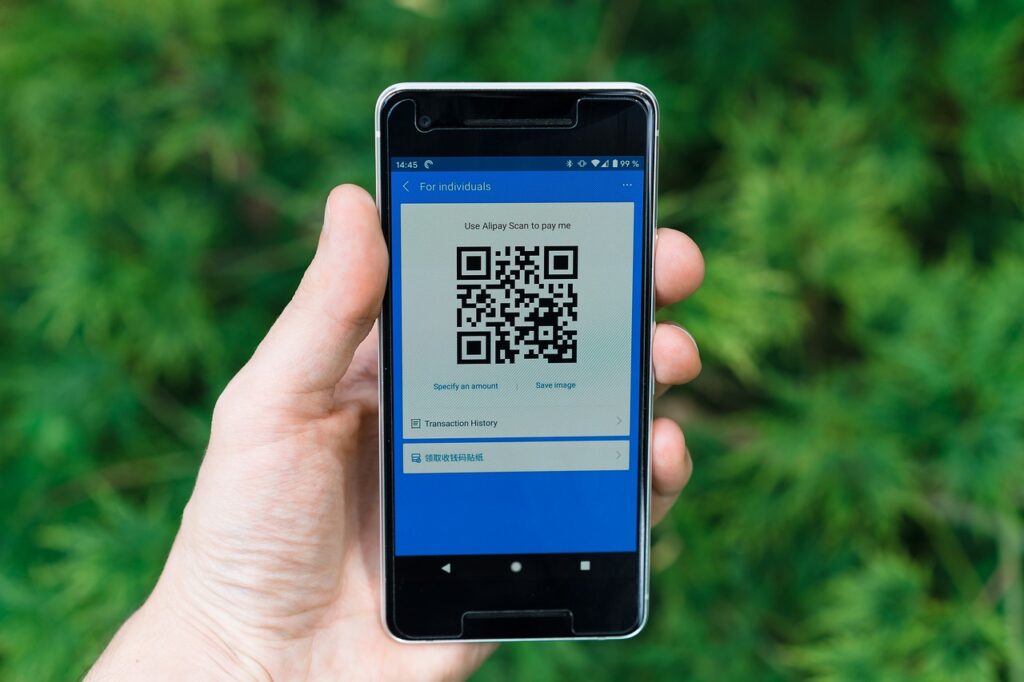

For a beginner, discovering the convenience of banking apps can be a significant turning point in managing personal finances. Before using banking apps, one might have had to physically visit a bank branch for every transaction, wait in long lines, and deal with cumbersome paperwork. However, with the advent of banking apps, individuals can now perform a wide range of financial transactions from the comfort of their homes. Despite the numerous benefits, many users still make critical mistakes that can compromise the security of their accounts or lead to unnecessary financial losses. Here’s the key thing to understand: being aware of these mistakes can significantly enhance one’s banking experience.
📝 In This Post
What Does Banking Apps Mean?
Banking apps refer to mobile applications provided by banks and other financial institutions that allow users to manage their bank accounts, perform transactions, and access various financial services through their smartphones or tablets. These apps are designed to provide convenience, speed, and security, enabling users to bank anywhere, anytime. Most people miss this, but understanding the full capabilities and limitations of banking apps is crucial for maximizing their benefits.
| Term | Plain-English Meaning |
|---|---|
| Mobile Banking | The practice of using a mobile device to manage and perform financial transactions. |
| Transaction Alert | Notifications sent to the user after a transaction is made on their account. |
| Two-Factor Authentication | A security process that requires a user to provide two different authentication factors to access an account. |
| Bill Pay | A service that allows users to pay bills electronically through their banking app. |
| Account Transfer | The ability to move funds from one account to another through the banking app. |
| Security Token | A small device or app that generates a unique, time-sensitive code used for additional security. |
Why Banking Apps (Common Mistakes) Matters
Understanding common mistakes in using banking apps is crucial because it directly impacts the security and efficiency of one’s financial management. For instance, a mistake such as using public Wi-Fi for banking can expose a user to cyber threats, potentially leading to significant financial losses. According to recent statistics, over 70% of banking is now conducted through digital channels, with mobile banking apps being the preferred method for many. This shift towards digital banking has also led to an increase in cybercrime, with hackers targeting banking apps to steal sensitive information or funds. Most people are unaware that simple mistakes, such as not updating the app regularly or using weak passwords, can significantly increase the risk of such attacks.
The impact of these mistakes is not just limited to individual users; businesses and financial institutions also face significant risks. A single successful cyberattack can result in the loss of millions of dollars and damage to the reputation of the financial institution. Furthermore, for individuals, the loss can be devastating, leading to financial instability and long-term consequences. Here’s the key thing to understand: being vigilant and informed about these potential mistakes can help mitigate these risks and ensure a safe and efficient banking experience.
Given the potential consequences, it’s essential to approach the use of banking apps with a clear understanding of the common mistakes to avoid. This includes everything from basic security measures like strong passwords and regular updates to more complex issues such as being cautious with public Wi-Fi and recognizing phishing attempts. By doing so, users can ensure that their financial information remains secure, and they can fully benefit from the convenience and efficiency that banking apps offer.
Banking Apps Methods Worth Knowing
1. Setting Up Strong Passwords and Authentication
This involves creating a unique and complex password for the banking app, as well as enabling two-factor authentication for an additional layer of security. To do this, users typically go to the app’s settings, select the security or password option, and follow the prompts to change their password and enable two-factor authentication. A common beginner mistake is using the same password for multiple accounts or not changing the default password provided by the app.
- Why It Works: Using strong and unique passwords for each account reduces the risk of unauthorized access, while two-factor authentication adds an extra layer of security, making it much harder for hackers to gain access to the account.
- Enhances account security by requiring both a password and a verification code sent to the user’s phone or email, thus protecting against password guessing and phishing attacks.
2. Regularly Updating the Banking App
This step is crucial for ensuring that the app has the latest security patches and features. Users should enable automatic updates for the app or regularly check the app store for updates. A common mistake is ignoring update notifications, which can leave the app vulnerable to known security flaws.
- Why It Works: Updates often include fixes for security vulnerabilities that have been discovered since the last update, thus reducing the risk of the app being exploited by hackers.
- Provides access to new features and improvements that can enhance the user’s experience and the app’s functionality.
3. Monitoring Account Activity
This involves regularly checking the account transactions and balances to detect any suspicious activity. Users can do this by logging into their account through the app and reviewing their transaction history. A common mistake is not setting up transaction alerts, which can delay the detection of fraudulent activities.
- Why It Works: Early detection of suspicious transactions allows users to report them to their bank promptly, potentially preventing further fraudulent activities.
- Helps in maintaining a clear record of financial activities, which can be useful for budgeting and financial planning.
4. Being Cautious with Public Wi-Fi
This means avoiding the use of public Wi-Fi for banking, as these networks are often not secure and can be easily hacked. Instead, users should use their mobile data or a secure, private Wi-Fi network. A common mistake is assuming that all public Wi-Fi networks are safe, which can lead to significant security risks.
- Why It Works: Public Wi-Fi networks can be easily compromised by hackers, who can then intercept sensitive information such as login credentials and financial data.
- Using a secure network ensures that data transmitted between the user’s device and the bank’s servers remains encrypted and protected.
5. Recognizing Phishing Attempts
This involves being aware of the common tactics used by phishing scams, such as emails or messages that ask for sensitive information or direct users to fake banking websites. Users should never provide financial information in response to unsolicited requests. A common mistake is not verifying the authenticity of messages that appear to be from the bank.
- Why It Works: Phishing attempts can lead to the theft of login credentials, financial information, and other sensitive data, which can then be used for fraudulent activities.
- Being cautious of phishing attempts helps in protecting against identity theft and financial loss.
6. Using the App’s Security Features
This includes features such as fingerprint or facial recognition, and security tokens. Users should enable these features to add extra layers of security to their accounts. A common mistake is not exploring the full range of security options provided by the app.
- Why It Works: Biometric authentication methods like fingerprint and facial recognition provide a high level of security, as they are unique to each individual and difficult to replicate.
- Security tokens, whether physical or through an app, generate time-sensitive codes that must be entered to access the account, further securing it against unauthorized access.
7. Keeping the Device Secure
This means ensuring that the device used for banking is free from malware and has up-to-date antivirus software. Users should also use a screen lock and keep their device’s operating system updated. A common mistake is not regularly scanning the device for malware, which can lead to the compromise of sensitive information.
- Why It Works: Malware can steal sensitive information, disrupt device function, and provide unauthorized access to the banking app.
- Regular updates to the operating system and antivirus software protect against newly discovered vulnerabilities and threats.
| Step | What You Do | Expected Result |
|---|---|---|
| 1 | Set up strong passwords and two-factor authentication | Enhanced account security |
| 2 | Regularly update the banking app | Latest security patches and features |
| 3 | Monitor account activity | Early detection of suspicious transactions |
| 4 | Be cautious with public Wi-Fi | Reduced risk of data interception |
| 5 | Recognize phishing attempts | Protection against phishing scams |
| 6 | Use the app’s security features | Additional layers of security |
| 7 | Keep the device secure | Protection against malware and unauthorized access |
Frequently Asked Questions
What is the safest way to access my banking app?
The safest way to access your banking app is by using a secure, private network or your mobile data. Avoid using public Wi-Fi, as it can be easily compromised by hackers. Additionally, ensure your device and the app are updated with the latest security patches and features.
How often should I update my banking app?
It’s recommended to update your banking app as soon as an update is available. Updates often include security patches for newly discovered vulnerabilities, as well as new features that can enhance your banking experience. Enable automatic updates if possible, to ensure you never miss an update.
What should I do if I suspect my account has been compromised?
If you suspect your account has been compromised, contact your bank immediately. They can guide you through the process of securing your account, which may include changing your password, monitoring your account activity closely, and in some cases, issuing new cards or account numbers. been compromised contact
Can I use my banking app on a public computer?
No, it’s not recommended to use your banking app on a public computer. Public computers can be infected with malware designed to capture sensitive information, such as login credentials. Always use a personal device that you know is secure and free from malware.
How can I verify the authenticity of messages from my bank?
To verify the authenticity of messages from your bank, look for official contact information and compare it with what is listed on the bank’s official website. Be cautious of messages that ask for sensitive information or direct you to a website that does not have the bank’s official URL. It’s also a good practice to contact the bank directly using the contact information you know is correct.
Closing Thoughts
Incorporating the practices outlined above into your daily banking routine can significantly enhance the security and efficiency of your mobile banking experience. By being informed and proactive, individuals can protect their financial information, avoid common mistakes, and fully benefit from the convenience that banking apps offer. Here’s the key thing to understand: taking these steps not only safeguards your finances but also contributes to a more secure digital banking environment for everyone.
As the use of banking apps continues to grow, so does the importance of being aware of the potential pitfalls and taking the necessary precautions. By doing so, users can ensure a safe, efficient, and beneficial banking experience. Most people miss this, but the collective effort to secure banking apps can lead to a significant reduction in cybercrime and an improvement in the overall security of the financial system.
To wrap up, the world of banking apps offers unparalleled convenience and efficiency, but it also requires a level of responsibility and awareness from its users. By understanding and avoiding common mistakes, individuals can navigate this online space securely, managing their finances with ease and confidence. Remember, security is a collective effort, and every user plays a crucial role in maintaining the integrity of the banking system.